
Latest Version
Tim Grabinat
Education
Windows
Free
9p64xgpcdlms
Report a Problem
More About Docs+ Document Editor
A Versatile Solution for Everyday Word Processing
Finding a reliable, cost-effective word processor can be a challenge. The Docs+ document editor by Tim Grabinat addresses this need directly, offering Windows users a robust and entirely free environment to manage their writing tasks. Whether you are drafting a professional report, updating your career resume, or structuring a creative newsletter, this tool provides a streamlined alternative to heavy, subscription-based office suites.
What Can You Actually Do with the Docs+ Document Editor?
Instead of limiting users to basic text files, this application is designed to handle a diverse range of formatting and publishing tasks. Here is a look at how you can integrate it into your daily workflow:
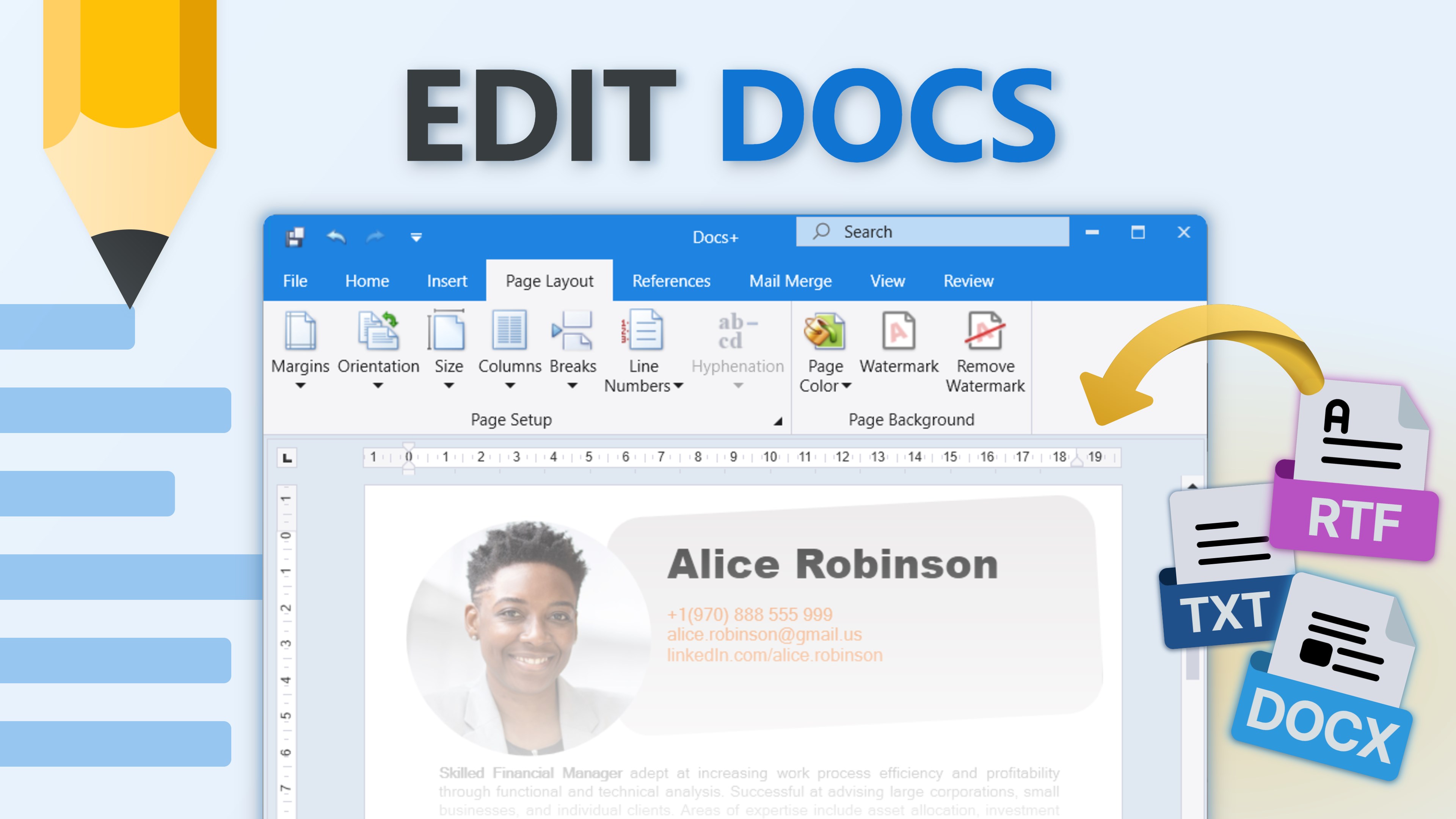
- Manage Diverse File Formats: You can open, edit, and save numerous file types without needing multiple programs. It supports DOC, DOCX, DOCM, DOT, DOTM, and DOTX, alongside web formats like HTML, HTM, MHT, and XML. It also handles RTF, EPUB, and unencrypted ODT files.
- Quickly Access Recent Projects: The application automatically tracks your recently opened files, allowing you to jump back into your active drafts directly from your device's storage.
- Export Directly to PDF: When your document is ready for distribution, you can convert it to a PDF file instantly. This ensures your formatting remains identical when shared with colleagues or printed.
A Clean, Modern User Interface
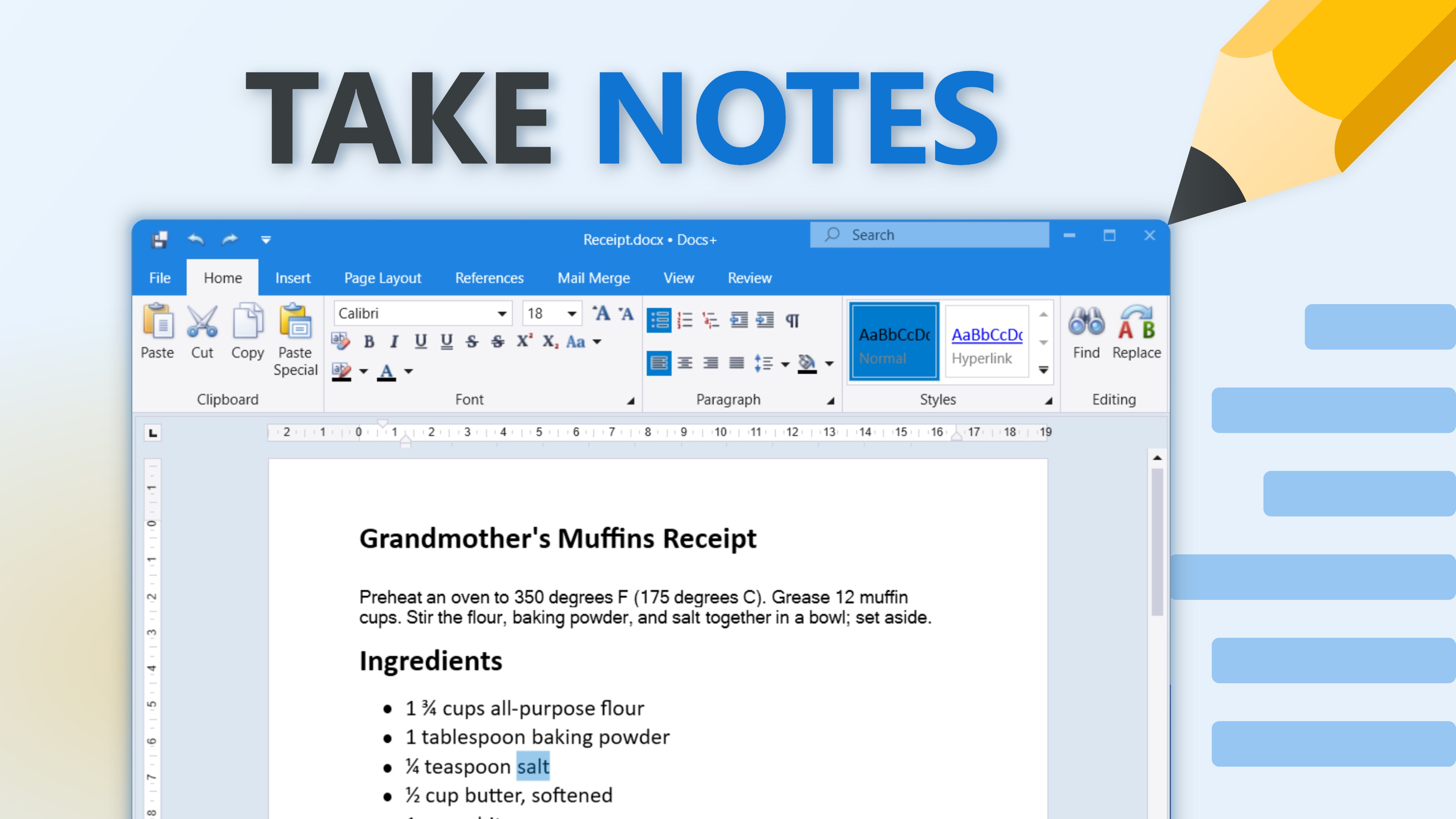
One of the standout aspects of the Docs+ document editor is its visual design. It steers clear of the cluttered, overwhelming toolbars found in legacy word processors. Instead, it presents a clean, modern interface that prioritizes screen space for your content, helping you maintain focus during long writing sessions.
Who Is This Application For?
Categorized under education and productivity, this software is highly suited for students drafting essays, educators preparing lesson materials, and remote professionals who require an agile, lightweight editing environment. Because it runs natively on Windows, it integrates smoothly with your existing desktop setup without consuming excessive system resources.
Get Started on Windows
If you are looking to simplify your desktop setup with a capable, no-cost word processor, this tool is highly worth considering. To explore its features firsthand, you can find the application listed on the official Microsoft Store.
Rate the App
User Reviews















Popular Apps









Editor's Choice